


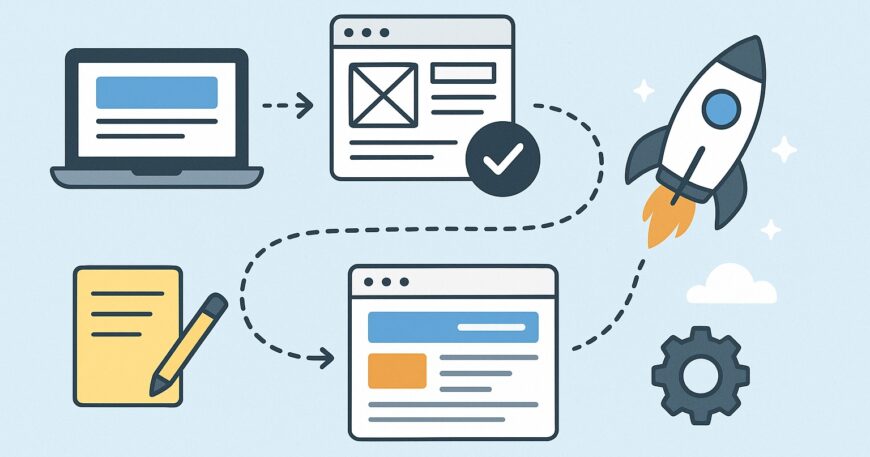
Have you ever stopped to think about how the sites you visit every day actually exist? From sophisticated online shopping sites to blogs you love—all websites begin with one line of code and a well-defined goal. If you’ve ever wanted to have your own spot on the web, 2025 is the best year to take up website development.
In this guide, we’ll walk through the basics of website development step by step—from how websites work to building, launching, and maintaining one. Let’s begin!
What Is Website Development?
Website development is the creation and upkeep of websites—where logic meets creativity. It spans everything from creating the appearance and feel (the front-end) to managing data and server interactions (the back-end). In short, it’s about bringing your ideas to life as working web experiences that users can access anywhere on the planet.
Why Learning Website Development Is Important in 2025.
The internet never sleeps, and neither does web technology. With AI-driven tools, no-code platforms, and faster frameworks emerging, website development has become more accessible and more important than ever before.
In 2025:
- Businesses rely on websites to stay competitive.
- Freelancers and developers have endless remote opportunities.
- Personal brands thrive through professional online portfolios.
Whether you’re an entrepreneur or a tech enthusiast, learning web development can be your gateway to creativity, income, and independence.
How Websites Work
As you enter a website’s address in your browser, an intriguing chain of events happens. Your browser sends a request to a web server, which retrieves information from a database and presents it as a lovely, interactive page.
All websites, large or small, are based on three fundamental building blocks:
- Front-End (Client-Side): What visitors see and touch.
- Back-End (Server-Side): Where data is computed and logic executes.
- Database: Where all user data and content is saved.
Front-End vs. Back-End Development
Front-End Development
This deals with what visitors see. It employs:
- HTML for structure
- CSS for style.
- JavaScript for interactivity
Front-end developers ensure that websites appear fantastic on any device and have smooth navigation.
Back-End Development
This is the brain of the website. Back-end developers use languages such as Node.js, Python, or PHP to implement server functions, databases, and security. They ensure things get done efficiently—from logging users in to processing payments.
The Role of Web Servers and Databases
Web servers hold your site’s files and serve them to users. Databases such as MySQL or MongoDB hold and arrange information—for example, product catalogs, customer records, or blog articles—making your site dynamic and interactive.
How Domains and Hosting Work
Consider your domain name your home address and hosting as the land your house sits on. Hosting providers store your website files so that anyone, anywhere, can access your site 24/7.
For 2025, look for cloud-based hosting solutions that ensure scalability, faster loading times, and better security.
Essential Tools and Technologies
HTML: The Skeleton of the Web
HTML (Hyper Text Markup Language) is where it all begins—it structures your site’s content like text, images, and links.
CSS: The Designer’s Brush
CSS (Cascading Style Sheets) puts colors, fonts, and layouts on your HTML framework to make it look good.
JavaScript: The Interactive Layer
JavaScript brings your website to life—from image sliders to interactive forms and animations.
Popular Frameworks and Libraries
Web development today is quicker and simpler due to frameworks and libraries such as
- React for dynamic interfaces
- Bootstrap for fast, responsive layouts
- JS for lightweight web apps
These resources assist developers in creating effective, contemporary websites without having to start from scratch.
Web Development Tools and Code Editors
- All developers require a workspace.
- VS Code, GitHub, and Figma are just some of the tools that facilitate coding, collaboration, and design.
- Version control tools such as Git prevent you from ever losing your progress when you are working on large projects.
Planning Your Website
Any great website begins with a plan before anyone dives into code.
- Define Your Purpose: What is the purpose of your website—selling items, disseminating knowledge, or displaying work?
- Create Wireframes and Sitemaps: Map out your pages and navigate planning.
- Choose Your Platform: Custom code for flexibility or a CMS such as WordPress or Shopify for ease.
Building the Front-End
This is where your creativity gets expression:
- Set Up Your Project with neat folders.
- Build pages with HTML to arrange content.
- Style: Using CSS to make your pages nice to look at.
- Add interactivity with JavaScript for an active user experience.
Building the Back-End
Back-end development gives logic and functionality life.
- Languages: Node.js, Python, or PHP.
- Databases: MySQL, MongoDB, or PostgreSQL.
- APIs: Integrate your front-end to back-end systems for real-time data updates.
Testing and Debugging
Test everything before launching. Utilize tools such as
- Google Lighthouse to verify performance.
- Browser Developer Tools to detect issues.
- Responsive Design Mode to make sure it’s amazing on every device.
Deploying Your Website
Once everything appears and functions flawlessly:
- Select a good hosting provider.
- Map your domain name.
- Add SSL certificates to secure your site.
- Launch—and party!
Periodic updates and maintenance ensure your site is fast, secure, and user-friendly.
Website Optimization and SEO
In 2025, search engines value speed, accessibility, and mobile usability.
- Speed Optimization: Image compression, caching, and code optimization.
- Mobile Optimization: Responsive layouts for all devices.
- Basic SEO Practices: Include meta titles, alt texts, clean URLs, and quality content.
Conclusion
Web design can sound daunting at first, but it’s all about crafting connected online experiences. Whether you’re creating a personal website, an online store, or a business site, knowing the fundamentals gives you the freedom to make your vision a reality.
In 2025, your site is usually the first thing that people know about you—let it be a lasting one. And if you need experts to translate your concepts into a high-functioning, stylishly designed site, Lannet Technology got you covered from start to finish.
Your site is more than lines of code—it’s your online persona. Begin creating it today!
Frequently Ask Questions
1. How do I begin learning website development?
Start with HTML, CSS, and JavaScript. Work on small projects first before venturing into frameworks and back-end coding.
2. What’s the best platform for newbies?
For maximum control, attempt coding from square one. For convenience, begin with WordPress or Shopify.
3. How long does it take to create a professional website?
Depends on complexity. Straightforward sites will take 1–2 weeks; custom or e-commerce websites could take 4–6 weeks.
4. What makes a website a success?
An effective site is quick to load, mobile-friendly, full of quality content, and provides an easy user experience.
5. Why should I hire Lannet for my website?
Because Lannet combines creativity, technology, and strategy—building websites that not only are beautiful but also drive business success.

